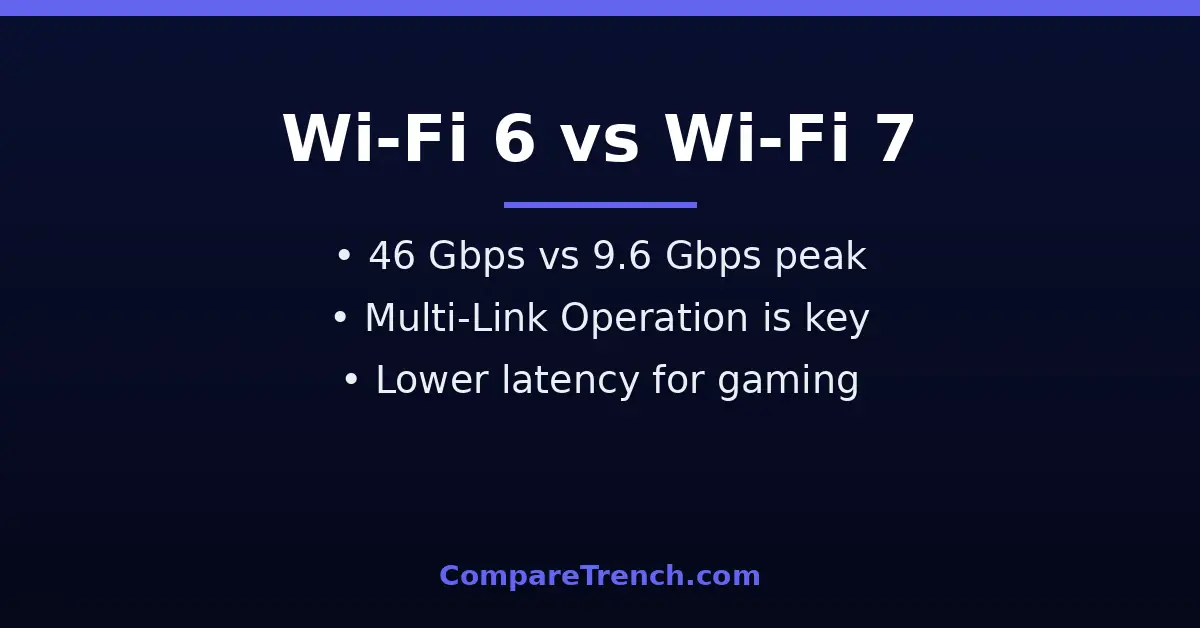
Quick Answer: Wi-Fi 7 is the newer wireless standard (802.11be) that builds on Wi-Fi 6 (802.11ax) with much higher theoretical speeds (up to 46 Gbps vs 9.6 Gbps), wider 320 MHz channels, 4096-QAM modulation, and Multi-Link Operation, which lets devices use multiple bands simultaneously. In real homes, the biggest noticeable gains are lower latency and better performance with many devices online — but you need Wi-Fi 7 devices on both ends to get the full benefit.
Wi-Fi generations arrive every few years, and each one promises to fix the frustration of buffering video calls and laggy games. Wi-Fi 6, launched in 2019, was a major leap in efficiency for crowded networks. Wi-Fi 7, certified starting in 2024, pushes further — dramatically higher peak speeds, smarter use of spectrum, and latency low enough for wireless VR and cloud gaming.
But bigger numbers on a spec sheet do not automatically mean a better experience in your home. This guide explains the difference between Wi-Fi 6 and Wi-Fi 7 in practical terms: what actually changed under the hood, where you will feel the improvement, and whether it is worth upgrading your router today.
Wi-Fi 6 vs Wi-Fi 7: At a Glance
| Feature | Wi-Fi 6 | Wi-Fi 7 |
|---|---|---|
| IEEE standard | 802.11ax | 802.11be (Extremely High Throughput) |
| Launched | 2019 | 2024 (certification) |
| Max theoretical speed | 9.6 Gbps | 46 Gbps |
| Max channel width | 160 MHz | 320 MHz |
| Modulation | 1024-QAM | 4096-QAM (4K-QAM) |
| Frequency bands | 2.4 GHz, 5 GHz (6 GHz with 6E) | 2.4 GHz, 5 GHz, 6 GHz |
| Multi-Link Operation | No | Yes |
| Max spatial streams | 8 | 16 |
| Real-world peak (single device) | ~1.5–2.5 Gbps | ~3–5 Gbps |
| Latency under load | Improved over Wi-Fi 5 | Up to 50–75% lower than Wi-Fi 6 |
| Backward compatibility | Yes | Yes, fully |
| Price/availability | Mature, affordable | Premium pricing, growing ecosystem |
What Is Wi-Fi 6?
Wi-Fi 6 (IEEE 802.11ax) was designed for a specific problem: too many devices. By 2019, the average home had dozens of connected gadgets — phones, laptops, TVs, smart speakers, cameras — all competing for airtime. Wi-Fi 6 introduced OFDMA, which splits a channel into smaller resource units so one transmission can serve multiple devices at once, and improved MU-MIMO, letting the router talk to up to eight devices simultaneously. Target Wake Time lets battery-powered IoT devices sleep longer between check-ins.
The result was not so much raw speed as efficiency: less congestion, more consistent performance, and better battery life. Wi-Fi 6E later extended the same technology into the 6 GHz band, adding fresh spectrum free of legacy interference. For most households, Wi-Fi 6 remains an excellent, affordable standard — much like the jump from standard to high-definition displays covered in our OLED versus UHD guide, the generational upgrade matters most when your use case demands it.
What Is Wi-Fi 7?
Wi-Fi 7 (IEEE 802.11be), officially branded “Extremely High Throughput,” is the next generation. Where Wi-Fi 6 optimized efficiency, Wi-Fi 7 raises the ceiling: wider channels, denser modulation, more spatial streams, and — most importantly — Multi-Link Operation, a fundamentally new way for devices to connect. Wi-Fi Alliance certification began in 2024, and routers, phones, and laptops with Wi-Fi 7 have been rolling out since.
It is worth noting that the headline 46 Gbps figure is a theoretical maximum requiring ideal conditions — 320 MHz channels, 16 streams, 4096-QAM — that no consumer device achieves today. Real-world single-device peaks land around 3–5 Gbps, still roughly double Wi-Fi 6. The standard is fully backward compatible: a Wi-Fi 7 router serves older devices normally, and a Wi-Fi 7 phone works fine on a Wi-Fi 6 router — you simply do not get the new features unless both ends support them.
The Core Technical Differences
Multi-Link Operation (MLO)
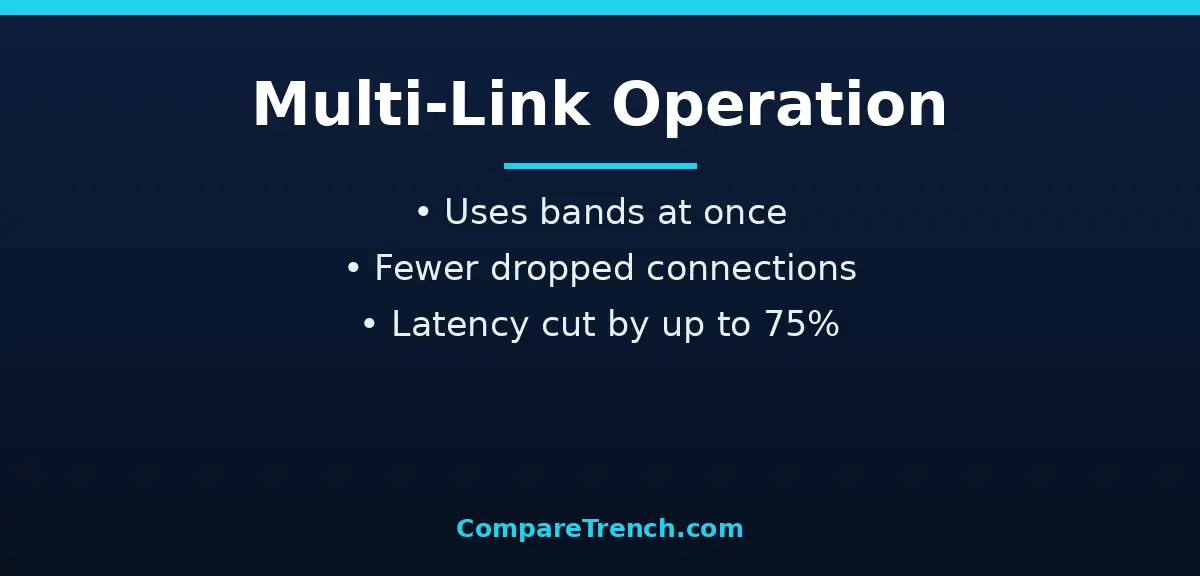
This is Wi-Fi 7’s signature feature and the change you are most likely to feel. Traditionally, a device connects to one band at a time — 5 GHz or 6 GHz. MLO lets a Wi-Fi 7 device maintain simultaneous links across multiple bands, with traffic intelligently routed over whichever link is clearest at each instant. If the 5 GHz band gets congested, data flows over 6 GHz without the device ever “switching” networks.
The practical payoff is reliability and latency. Connection drops become rare because there is always an alternate path, and latency for time-sensitive applications can fall by half or more. For competitive gaming, video calls, and AR/VR — where a 50-millisecond spike ruins the experience — MLO is the single biggest reason to consider Wi-Fi 7. Network engineers describe this the way data scientists describe the difference between inference and prediction: the mechanism matters more than the label.
320 MHz Channels
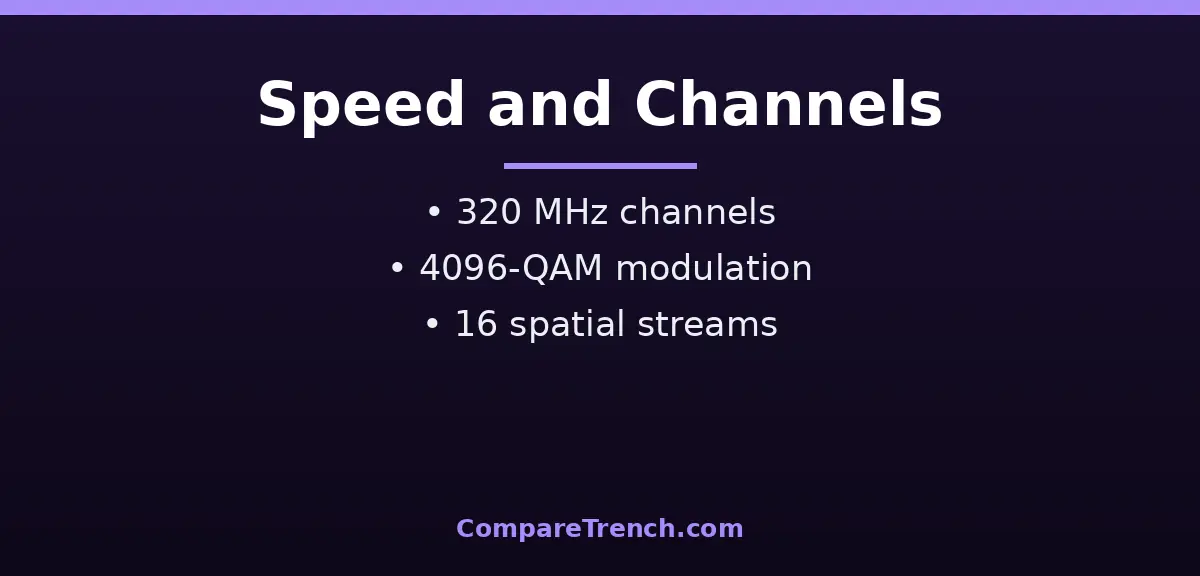
Wi-Fi 7 doubles the maximum channel width from 160 MHz to 320 MHz (in the 6 GHz band). Think of channels as highway lanes: doubling the lanes doubles how much data can flow at once. Combined with denser 4096-QAM modulation — which packs about 20% more data into each transmission than Wi-Fi 6’s 1024-QAM — the throughput gains multiply. These wider channels are what enable multi-gigabit real-world speeds on a single device.
16 Spatial Streams and Multi-RU
Wi-Fi 7 doubles the maximum spatial streams from 8 to 16, allowing the access point to serve more simultaneous high-bandwidth clients. It also enhances OFDMA with Multi-RU (multiple resource units), letting the router assign several resource blocks to a single device for finer-grained scheduling. Together, these make Wi-Fi 7 dramatically better in dense environments — offices, apartment buildings, stadiums — where dozens or hundreds of devices share the air.
Preamble Puncturing
A subtler but clever improvement: when part of a channel is interfered with, older Wi-Fi abandons the whole channel. Wi-Fi 7’s enhanced preamble puncturing lets it use the clean portion of the channel and skip only the noisy part. Less wasted spectrum means more consistent speeds in congested areas, where interference from neighboring networks is a fact of life.
Real-World Performance: Where You’ll Feel It
For a typical household — streaming, browsing, video calls on a sub-gigabit internet plan — the difference between Wi-Fi 6 and Wi-Fi 7 is modest today. Your internet connection, not your Wi-Fi, is usually the bottleneck: a 500 Mbps plan feels identical on both standards. The upgrade pays off in specific scenarios.
First, multi-gigabit internet: if you pay for 2 Gbps or faster service, Wi-Fi 6 cannot deliver it wirelessly to a single device, while Wi-Fi 7 can. Second, latency-sensitive uses: competitive gamers, VR headset users, and heavy video-call households benefit from MLO’s stability. Third, dense device environments: smart homes with 50+ connected devices see smoother performance. Fourth, future-proofing: routers last five to seven years, and Wi-Fi 7 client devices — phones, laptops — are becoming standard. Buying Wi-Fi 7 now means the router grows into its capabilities.
Latency: The Underrated Upgrade
Speed gets the headlines, but latency is where Wi-Fi 7 changes daily life. Wi-Fi 6 improved latency over Wi-Fi 5, but under heavy load it could still spike unpredictably. Wi-Fi 7’s MLO plus improved scheduling can cut latency by 50–75% for time-sensitive traffic. That is the difference between a video call that stutters when someone starts a download and one that stays smooth.
This matters beyond gaming. Remote desktop sessions, cloud-based creative work, and the emerging wave of spatial computing all depend on consistent low latency more than on peak throughput. If your network complaints are about responsiveness rather than raw speed, Wi-Fi 7 addresses exactly that — similar to how AI and machine learning workloads shifted computing priorities from raw power to intelligent scheduling.

Cost and Ecosystem: Is It Worth Upgrading?
Wi-Fi 7 routers still command premium prices — often double or more the cost of equivalent Wi-Fi 6 models — though prices are falling as the ecosystem matures. Client support is the other half of the equation: your iPhone, laptop, and TV need Wi-Fi 7 radios to use MLO and 320 MHz channels. As of 2026, flagship phones and recent laptops increasingly include them, but most household devices do not.
The upgrade math: if your internet plan is under 1 Gbps, your devices are Wi-Fi 6, and your complaints are occasional, a quality Wi-Fi 6 or 6E router remains the smart buy. If you have multi-gigabit service, game competitively over wireless, run a device-dense smart home, or simply want a router that stays current through 2030, Wi-Fi 7 is worth the premium. Either way, proper placement and a mesh setup for large homes matter more than the generation number — a well-placed Wi-Fi 6 mesh beats a poorly placed Wi-Fi 7 router every time.
Wi-Fi 6 vs Wi-Fi 7: When to Choose Which
Choose Wi-Fi 6 if you want proven, affordable performance: your internet plan is 1 Gbps or slower, your devices are a mix of generations, and you value stability over cutting-edge specs. It handles 4K streaming, video calls, and dozens of smart-home devices with ease, and the mature ecosystem means better prices and wider choice.
Choose Wi-Fi 7 if you are building for the next five years: multi-gigabit internet, competitive wireless gaming, VR/AR use, or a home packed with 50+ connected devices. The latency and reliability gains from MLO are real and noticeable in those scenarios. Just make sure your key devices actually support Wi-Fi 7 — otherwise you are paying for features that sit idle. For context on how wireless standards evolve alongside device intelligence, our machine learning versus deep learning guide covers a similar generational leap.

FAQ
Does Wi-Fi 7 work with older devices?
Yes, completely. Wi-Fi 7 is fully backward compatible with all previous generations — Wi-Fi 6, 5, and 4 devices connect and work normally on a Wi-Fi 7 router. They simply cannot use Wi-Fi 7-specific features like MLO, 320 MHz channels, or 4096-QAM. Likewise, a Wi-Fi 7 device works fine on an older router, just without the new capabilities.
Will Wi-Fi 7 make my internet faster?
Only if your Wi-Fi is the bottleneck. Wi-Fi can never deliver more speed than your internet plan provides — a 500 Mbps plan gives you 500 Mbps at most, on any standard. Wi-Fi 7 helps when your plan is faster than what Wi-Fi 6 can deliver wirelessly (roughly above 1.5–2 Gbps to a single device), or when congestion and latency, not raw speed, are your problem.
What is the difference between Wi-Fi 6E and Wi-Fi 7?
Wi-Fi 6E is Wi-Fi 6 extended into the 6 GHz band — same features, new spectrum. Wi-Fi 7 uses the same bands as 6E but adds MLO, 320 MHz channels, 4096-QAM, and 16 streams. Think of 6E as Wi-Fi 6 with more room, and Wi-Fi 7 as a genuinely new engine. If you are choosing between a discounted 6E router and a Wi-Fi 7 model, the decision comes down to price versus future-proofing.
Do I need a Wi-Fi 7 router if my phone supports Wi-Fi 7?
To get the headline features — MLO, 320 MHz channels — yes, both the router and the client must support Wi-Fi 7. A Wi-Fi 7 phone on a Wi-Fi 6 router works fine but uses Wi-Fi 6 features. If only one or two of your devices support Wi-Fi 7 and your internet is modest, the upgrade can wait; if you are buying a router to keep for five-plus years, Wi-Fi 7 is the safer long-term pick.
Is Wi-Fi 7 more secure than Wi-Fi 6?
Both standards use WPA3 encryption, so baseline security is equivalent. Wi-Fi 7 does not introduce a new security protocol, though its more modern hardware platform and ongoing firmware support mean better protection against newly discovered vulnerabilities over time. For authoritative technical details, see the Wi-Fi Alliance’s Wi-Fi CERTIFIED 7 overview.
Conclusion
The difference between Wi-Fi 6 and Wi-Fi 7 is the difference between efficiency and headroom. Wi-Fi 6 solved the congestion problem of the many-device home; Wi-Fi 7 adds multi-gigabit throughput, dramatically lower latency through Multi-Link Operation, and smarter spectrum use for the next decade of wireless demands.
For most households in 2026, Wi-Fi 6 remains plenty — but if you are buying a router to last, gaming competitively, or feeding multi-gigabit internet, Wi-Fi 7’s advantages are real and growing. Either way, the generation on the box matters less than matching the router to your actual internet speed, device mix, and home layout. Standards evolve the way language does — as our author versus writer comparison notes, precise definitions help you choose the right tool for the job.