Quick Answer: Bluetooth is a short-range wireless technology built for connecting two devices directly with very little power — ideal for headphones, wearables, and peripherals. Wi-Fi is a high-speed wireless networking technology built to connect many devices to the internet through a router. Bluetooth trades speed and range for battery efficiency, while Wi-Fi trades power consumption for bandwidth and coverage.
Almost every phone, laptop, and smart speaker you own speaks two wireless languages at once: Bluetooth and Wi-Fi. They feel interchangeable — both cut the cord, both move data through the air — yet they were designed for completely different jobs. That is the core difference between Bluetooth and Wi-Fi: one is a personal-area link between devices, the other is a local-area gateway to the internet.
Confusing the two leads to real-world frustrations, like wondering why your Bluetooth earbuds cannot reach the next room while your Wi-Fi signal can, or why a smart lock runs for a year on a coin-cell battery while your Wi-Fi security camera needs constant charging. This guide breaks down exactly how each technology works, how they compare on speed, range, power, and security, and how to pick the right one for every situation in 2026.
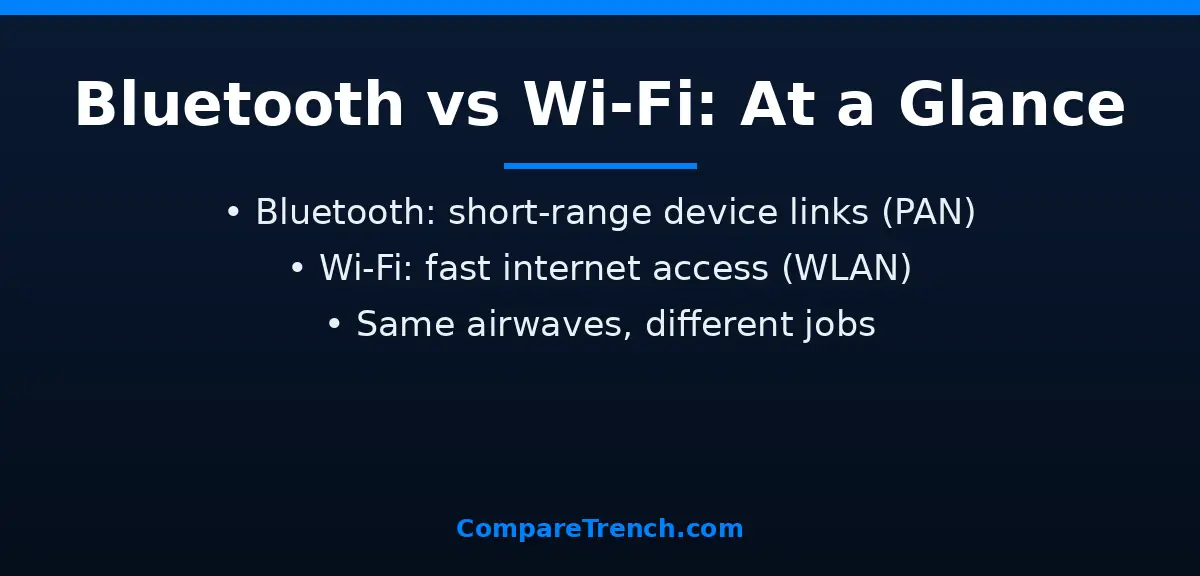
Bluetooth vs Wi-Fi: At a Glance
| Feature | Bluetooth | Wi-Fi |
|---|---|---|
| Purpose | Direct device-to-device connection (personal area network) | High-speed network and internet access (wireless local area network) |
| Typical range | ~10 meters (Class 2 consumer devices) | ~50–100 meters, covers a home or office |
| Max speed (2026) | Up to 2 Mbps (Bluetooth 5.x), 3 Mbps (Bluetooth 6.0 EDR) | Up to 46 Gbps theoretical (Wi-Fi 7) |
| Frequency bands | 2.4 GHz only | 2.4 GHz, 5 GHz, and 6 GHz |
| Power consumption | Very low — devices run for months or years on small batteries | Relatively high — battery-powered Wi-Fi devices need frequent charging |
| Network topology | Usually one-to-one (piconet), or small mesh networks | One access point serving dozens to hundreds of devices |
| Pairing / setup | Quick pairing, often no password needed | Usually requires a network password (WPA2/WPA3) |
| Latest versions | Bluetooth 6.0 (released 2024) | Wi-Fi 7 / 802.11be (certified 2024) |
| Security | LE Secure Connections, pairing-based; weaker overall | WPA2/WPA3 enterprise-grade encryption |
| Interference handling | Frequency hopping across 79 channels, 1,600 times per second | Fixed channels; DFS channel switching on 5/6 GHz |
What Is Bluetooth and How Does It Work?
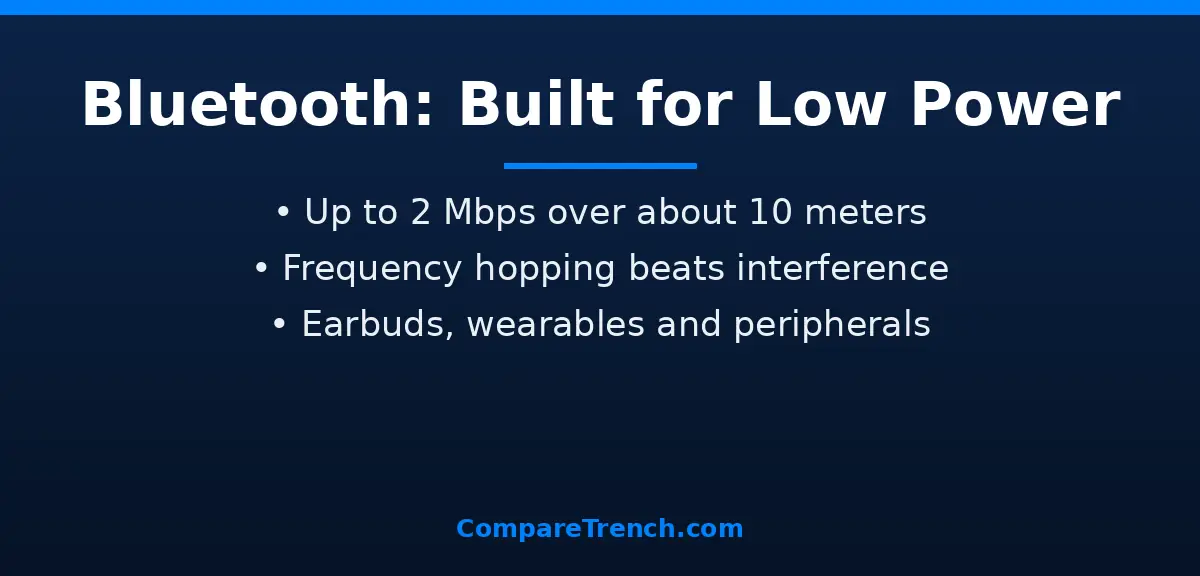
Bluetooth is a short-range wireless standard for connecting two devices directly to each other — no router, no internet, no middleman. It was created in the late 1990s to replace short cables: think of the cord between your phone and your headphones, or your computer and your mouse. The official specification is maintained by the Bluetooth Special Interest Group, whose technical resources are published at bluetooth.com.
Technically, Bluetooth operates in the 2.4 GHz ISM band — the same crowded airspace as Wi-Fi, microwaves, and baby monitors. It survives that crowd using frequency hopping spread spectrum (FHSS): the radio jumps between 79 different channels about 1,600 times per second, so even if one channel is noisy, the connection keeps working. Devices connect in a simple master–peripheral pairing, often with a single tap or a short PIN, and stay linked until you disconnect them.
Bluetooth’s defining trade-off is deliberate. It keeps data rates modest — up to 2 Mbps on modern Bluetooth 5.x devices — so the radio can sip power instead of gulp it. Bluetooth Low Energy (BLE), introduced in 2010, pushed this further: a sensor or tracker can broadcast tiny packets for a year or more on a coin-cell battery. That is why Bluetooth dominates wearables, wireless earbuds, game controllers, keyboards, mice, smart locks, and hearing aids — anything small, portable, and battery-powered.
What Is Wi-Fi and How Does It Work?
Wi-Fi is a wireless networking standard that connects devices to a local network and, through it, to the internet. Instead of pairing two devices directly, each device joins an access point — usually your router — which acts as a hub forwarding traffic. That hub-and-spoke design lets one router serve dozens of devices at once: phones, laptops, TVs, cameras, and thermostats all sharing the same network.
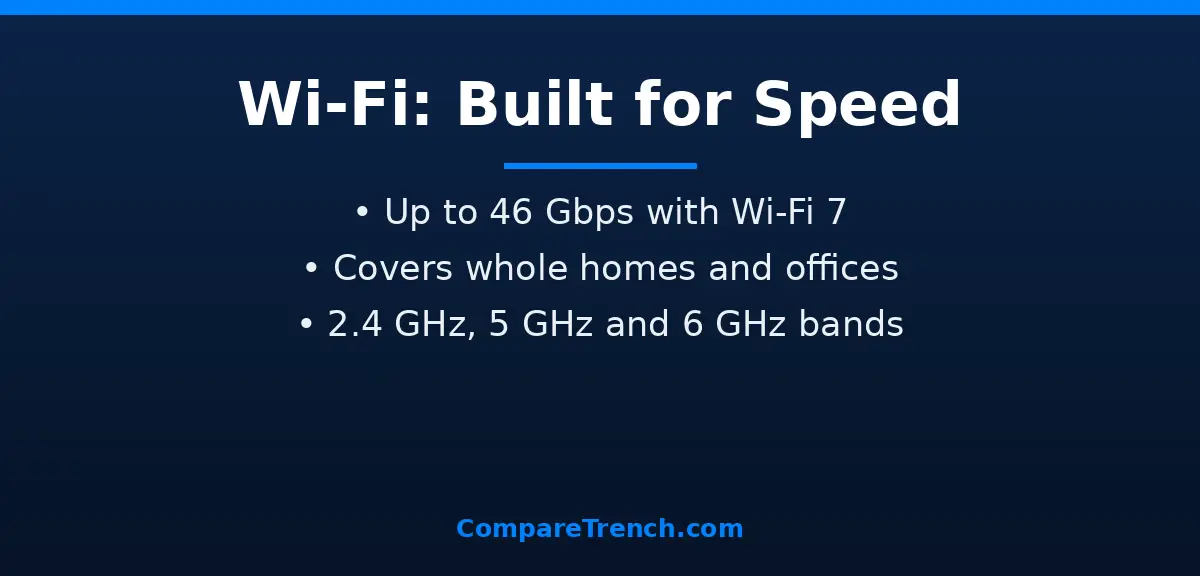
Unlike Bluetooth, Wi-Fi operates across multiple frequency bands. The 2.4 GHz band reaches farthest and passes through walls best but is slower and more congested. The 5 GHz band is faster with less interference but shorter reach. Newer standards add the 6 GHz band for even more capacity. Modern Wi-Fi uses technologies like OFDMA (splitting channels among many devices at once), MU-MIMO (serving several devices simultaneously), and wide 320 MHz channels to push enormous throughput — Wi-Fi 7 advertises up to 46 Gbps under ideal conditions.
That performance comes at a power cost. A Wi-Fi radio is far hungrier than a Bluetooth one, which is why phones disable Wi-Fi scanning to save battery and why Wi-Fi security cameras either need mains power or solar panels. In exchange, you get the bandwidth to stream 4K video wirelessly to an OLED and UHD TV, play cloud games with low latency, and back up gigabytes of photos to the cloud — tasks Bluetooth could never handle.
Speed and Range: Bluetooth vs Wi-Fi Head-to-Head
Speed is the most lopsided comparison. A current-generation Bluetooth connection tops out around 2 Mbps of practical throughput — enough for stereo audio, mouse movements, and sensor readings, but laughably small next to Wi-Fi. Even mid-range Wi-Fi 5 hardware delivers hundreds of megabits per second in real homes, and Wi-Fi 6/7 routers routinely push gigabit-plus speeds. That gap is why a movie streams flawlessly over Wi-Fi but would be impossible over a Bluetooth link.
Range follows the same pattern. Consumer Bluetooth (Class 2) is engineered for roughly 10 meters — your desk, your room, your body. Bluetooth 5.x added a long-range coded mode that can theoretically reach hundreds of meters line-of-sight, but practical indoor range stays modest. Wi-Fi, powered by stronger radios and bigger antennas, covers 50 to 100 meters or more, filling an entire house or office from a single router. Both weaken through walls, and both share the 2.4 GHz band, so heavy Wi-Fi traffic can crowd out Bluetooth devices nearby — though Bluetooth’s frequency hopping usually shrugs it off.
Power Consumption: Why Bluetooth Sips Battery
Power is where Bluetooth turns the tables. A Bluetooth Low Energy chip can idle at a few microamps, waking only to fire off short packets — a heart-rate strap or a luggage tracker can run a year or more on a tiny battery. Classic Bluetooth audio uses more, but a pair of earbuds still plays for 5–8 hours from a battery smaller than a pea.
Wi-Fi radios, by contrast, are power-hungry: maintaining a network association, listening for beacons, and pushing high-throughput data drains batteries fast. That is why smartwatches use Bluetooth to sync with your phone and only fire up Wi-Fi briefly for big downloads, and why battery-powered cameras that use Wi-Fi last days while Bluetooth-based door sensors last years. If a device must run for months without charging, Bluetooth is nearly always the answer.
Where Each One Wins: Everyday Use Cases
Choose Bluetooth when you need a simple, low-power link between two nearby devices. The classic wins: wireless earbuds and headphones, smartwatches syncing health data, keyboards and mice, game controllers, hearing aids, car hands-free kits, and smart locks. Bluetooth also powers device ecosystems that need to be effortless — step into your car and your phone auto-connects; open your earbud case and pairing just happens. Even health innovation rides on Bluetooth: just as genetics advanced by decoding the difference between DNA and RNA, wearables advanced by continuously streaming biometric signals over tiny Bluetooth radios.
Choose Wi-Fi when you need speed, range, or internet access. Streaming video and music, video calls, online gaming, cloud backups, smart TVs, security cameras, and whole-home internet all demand Wi-Fi’s bandwidth. Voice assistants and home automation hubs lean on Wi-Fi too, since they constantly talk to cloud servers — though simpler sensors often use Bluetooth or other low-power links. Modern gadgets increasingly combine both: your smart speaker pairs over Bluetooth for setup but streams over Wi-Fi, and your phone tethers its connection over either.
Security: Bluetooth vs Wi-Fi Compared
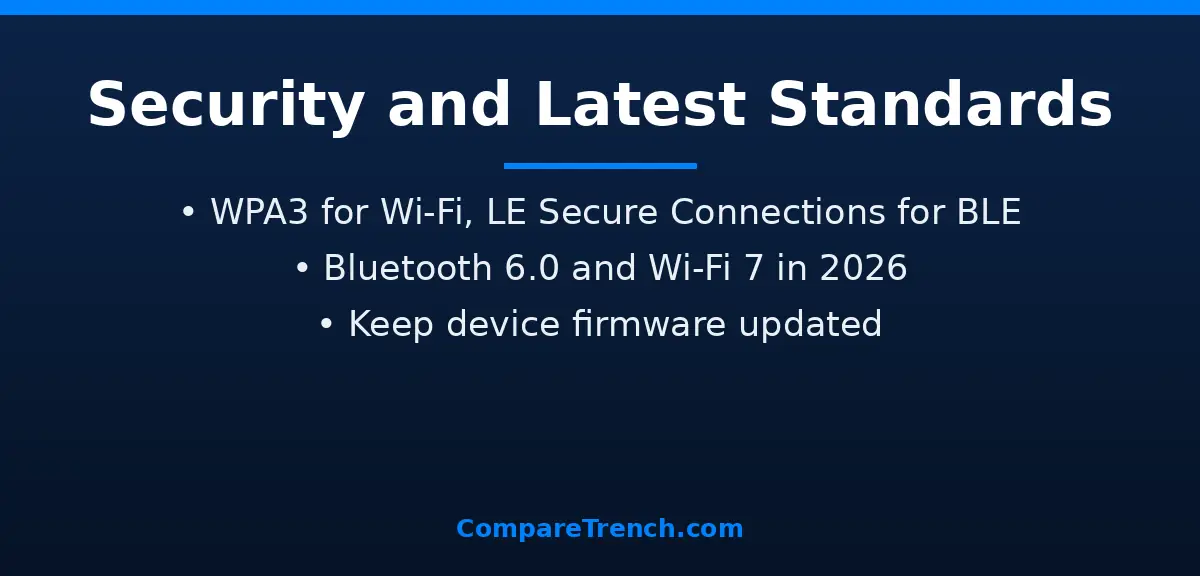
Wi-Fi security is the more mature of the two. Modern networks use WPA3 encryption with strong authentication, and enterprise networks add per-user credentials — a well-configured Wi-Fi network is genuinely hard to crack from the outside. The weak points are usually human: default router passwords, outdated WPA2 on old hardware, and open public hotspots.
Bluetooth security is adequate for its purpose but fundamentally lighter. Pairing uses link keys and modern devices support LE Secure Connections with elliptic-curve cryptography, but classic pairing could be intercepted, and “just works” pairing skips authentication entirely. Bluetooth’s saving grace is its short range — an attacker generally has to be within a few meters — and the limited damage: hijacking earbuds is less catastrophic than joining someone’s home network. For anything involving passwords, banking, or sensitive data, Wi-Fi (or cellular) is the safer pipe.
The Latest Standards in 2026: Bluetooth 6.0 and Wi-Fi 7
Bluetooth 6.0, finalized in 2024, brought meaningful upgrades rather than raw speed: Channel Sounding enables centimeter-accurate distance measurement (think finding lost items with true direction guidance), decision-based advertising filtering cuts scanning power, and isochronous channels improve synchronized audio for hearing aids and shared listening. By 2026 it is the standard in new phones, earbuds, and trackers.
Wi-Fi 7 (802.11be), certified in early 2024, pushed the other direction — maximum performance. Multi-Link Operation lets a device use two bands simultaneously for lower latency and failover, 320 MHz channels and 4K-QAM modulation lift theoretical throughput to 46 Gbps, and deterministic latency features target gaming and AR/VR. In 2026, Wi-Fi 7 routers are mainstream and Wi-Fi 8 research is underway. Smarter devices increasingly exploit these standards behind the scenes: on-device models running the difference between AI and machine learning workloads — noise cancellation on earbuds, photo enhancement on phones — techniques that hinge on the difference between machine learning and deep learning — often move their data over whichever radio fits the task.
Bluetooth vs Wi-Fi: When to Choose Which
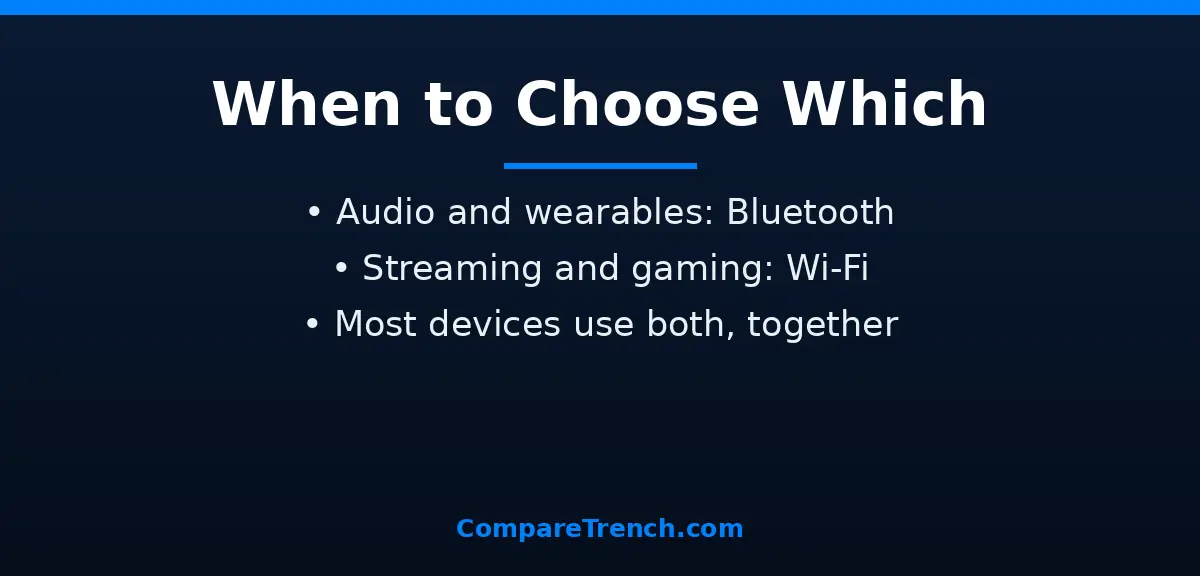
The decision is simpler than it looks: match the technology to the job. If you are connecting accessories to a phone or computer — earbuds, a watch, a keyboard, a controller — Bluetooth is the default, and it is what those products were built around. If you need the internet, big files, video streaming, or whole-home coverage, Wi-Fi is the only real option.
In practice you rarely choose just one. A typical morning uses both: your earbuds stream music over Bluetooth from a phone that is itself on Wi-Fi, your watch syncs steps via Bluetooth while your laptop backs up over Wi-Fi, and your smart home mixes both — Bluetooth for battery-powered sensors, Wi-Fi for cameras and speakers. They also coexist by design: phones route audio intelligently, and features like Wi-Fi calling and Bluetooth tethering let each cover the other’s gaps. Understanding the difference between Bluetooth and Wi-Fi just helps you diagnose problems — like knowing that stuttering earbuds are a Bluetooth range issue, while buffering video is a Wi-Fi bandwidth one — and buy the right device for the job.
Frequently Asked Questions
Can Bluetooth work without Wi-Fi?
Yes. Bluetooth is completely independent of Wi-Fi — it creates a direct link between two devices with no router or internet required. You can use Bluetooth earbuds, transfer files, or connect a keyboard with Wi-Fi turned off entirely.
Which is faster, Bluetooth or Wi-Fi?
Wi-Fi, by an enormous margin. Bluetooth tops out around 2–3 Mbps, while even older Wi-Fi reaches hundreds of Mbps and Wi-Fi 7 advertises up to 46 Gbps theoretically. That is why video streaming and large downloads always use Wi-Fi.
Does Bluetooth interfere with Wi-Fi?
They can, since both use the 2.4 GHz band, but Bluetooth’s frequency hopping — switching channels 1,600 times per second — usually avoids sustained collisions. If you notice stuttering audio near a busy router, moving to the 5 GHz or 6 GHz Wi-Fi band often clears it up.
Can Bluetooth connect as many devices as Wi-Fi?
No. Bluetooth is typically one-to-one (or a small group in a mesh), while a single Wi-Fi access point can serve dozens to hundreds of devices simultaneously. That is why Wi-Fi runs whole homes and Bluetooth runs personal accessories.
Should I use Bluetooth or Wi-Fi for a smart home?
Use both, each where it fits. Battery-powered sensors, locks, and switches favor Bluetooth or similar low-power links, while cameras, speakers, and hubs that stream media or talk to the cloud need Wi-Fi. Many routines also rely on the difference between inference and prediction — automation logic that decides what a sensor reading means — which runs on a hub connected over Wi-Fi.
Conclusion
Bluetooth and Wi-Fi are complementary, not competing. Bluetooth is the low-power, short-range link that connects your personal devices — earbuds, wearables, controllers — with minimal fuss and minimal battery drain. Wi-Fi is the high-speed network fabric that connects everything to the internet, carrying video, gaming, and cloud traffic across your whole home. Know which job each one does, and the difference between Bluetooth and Wi-Fi stops being confusing and starts being useful.