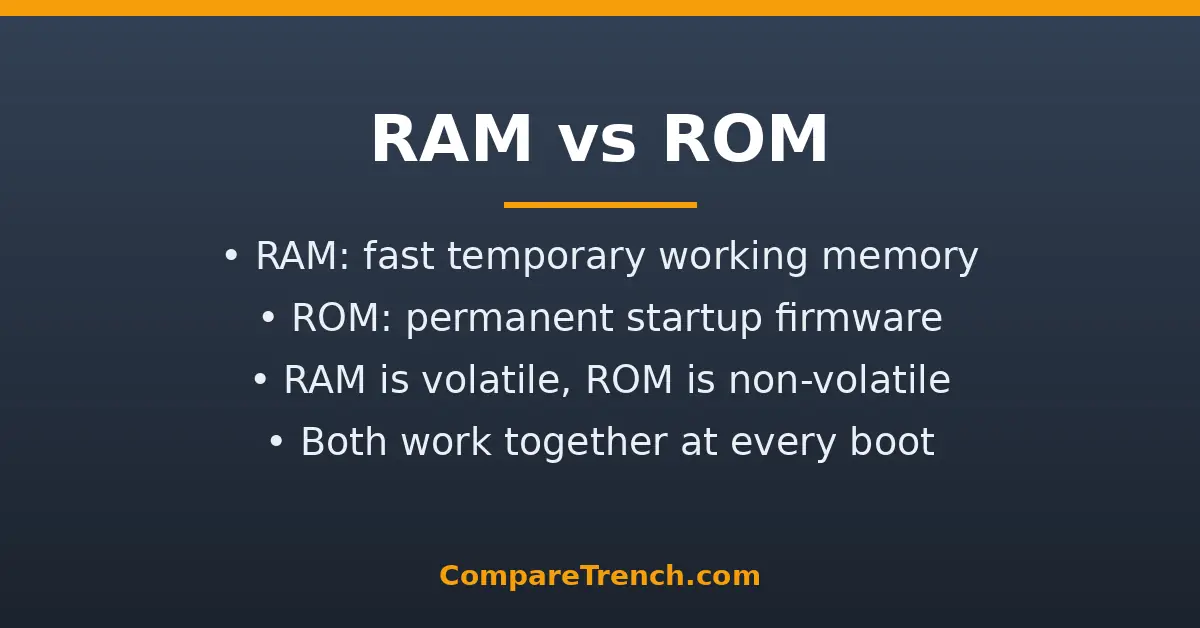
Quick Answer: RAM (Random Access Memory) is fast, temporary working memory that holds the data your CPU is actively using — it is wiped clean when the power goes off. ROM (Read-Only Memory) is permanent, non-volatile memory that stores the firmware and start-up instructions your device needs to boot. RAM is your desk; ROM is the instruction manual bolted to it.
Every computer, phone, and tablet has both RAM and ROM, and the two are constantly confused because their names differ by a single letter. In reality they do opposite jobs. Understanding the difference between RAM and ROM explains why adding more RAM speeds up multitasking, why your device can boot without any programs loaded, and why “memory” and “storage” are not the same thing.
RAM vs ROM: Side-by-Side Comparison
| Feature | RAM | ROM |
|---|---|---|
| Full name | Random Access Memory | Read-Only Memory |
| Purpose | Temporary working space for data and programs in use | Permanent storage of firmware and boot instructions |
| Volatility | Volatile — loses everything when power is off | Non-volatile — keeps data without power |
| Read/write | Read and write freely | Read-only (or writable only with special processes) |
| Speed | Very fast (nanosecond access) | Fast, but slower than RAM |
| Typical capacity | Gigabytes (4–64 GB in modern devices) | Megabytes (small firmware chips) |
| Contents | Running apps, open files, OS in use | BIOS/UEFI, bootloader, embedded firmware |
| User upgradeable? | Often yes (desktop PCs, some laptops) | No — fixed at manufacture |
What Is RAM?
RAM is your computer’s short-term working memory. When you open a program, the operating system loads it from your drive into RAM, because the CPU can read from RAM thousands of times faster than from an SSD or hard drive. Everything you are actively doing — open browser tabs, the document you are editing, the game you are playing — lives in RAM right now.
The key trait of RAM is that it is volatile: it needs constant electrical power to hold data. Turn off your computer and RAM is wiped completely clean — which is why you must save your work to a drive before shutting down. RAM is also read/write memory: the CPU constantly writes new data to it and reads it back, billions of times per second.
There are two main types of RAM you will encounter:
- DRAM (Dynamic RAM) — the standard system memory in computers and phones (DDR4, DDR5). Dense and affordable, but needs constant refreshing.
- SRAM (Static RAM) — much faster and more expensive; used for CPU cache memory in small amounts.

What Is ROM?
ROM is non-volatile memory that permanently stores the low-level instructions a device needs to start up and operate its hardware. The classic example is the BIOS/UEFI firmware on a motherboard: when you press the power button, the CPU’s very first instructions come from ROM, because RAM is empty at that moment and the drive is not yet accessible. ROM tells the computer how to wake up its own components and find the operating system.
True to its name, ROM is traditionally read-only: its contents are written at the factory and cannot be changed by normal software. Modern variants bend this rule — EEPROM and flash memory can be rewritten with special processes, which is how motherboard firmware updates and the permanent storage in phones and SSDs work. In smartphones, the term “ROM” is even used loosely to mean the phone’s built-in storage capacity.
Crucial, one of the world’s largest memory manufacturers, has a detailed explainer on how computer memory works if you want to go deeper into the technology behind RAM.
Volatile vs Non-Volatile: The Core Difference
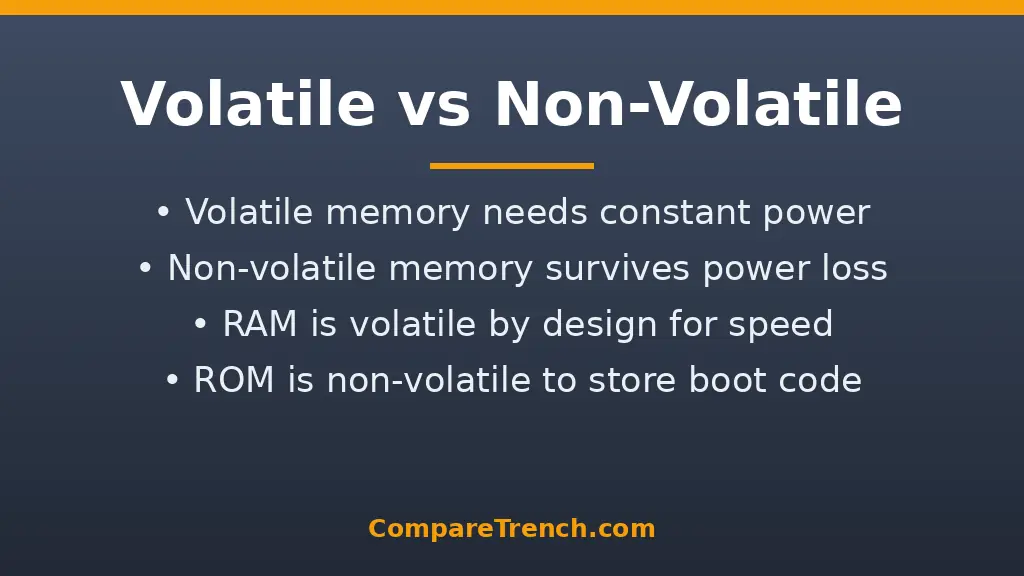
Volatility is the single most important difference between RAM and ROM. RAM’s volatility is a feature, not a flaw: because it does not need to preserve anything permanently, it can be engineered for pure speed. ROM’s non-volatility is equally deliberate: start-up instructions must survive power loss, or your device could never boot.
This is also why RAM and storage (SSDs, hard drives) are different things despite both “holding data.” Storage is non-volatile and slow-ish; RAM is volatile and extremely fast. When people say “my phone has 128 GB of memory,” they usually mean storage — the actual RAM might be 8 GB.
How RAM and ROM Work Together When You Boot a Computer
The boot sequence is the clearest demonstration of the RAM-ROM partnership:
- You press the power button. RAM is empty; the drive is idle.
- The CPU reads its first instructions from ROM (the UEFI/BIOS firmware).
- The firmware runs a power-on self-test, checking that RAM and hardware are present and working.
- The firmware locates the bootloader on your drive and hands off control.
- The operating system loads itself into RAM, and from then on RAM does the heavy lifting.
Without ROM, the computer would have no idea how to start. Without RAM, it could never run anything at useful speed. They are complementary by design.
Speed, Capacity, and Cost Compared
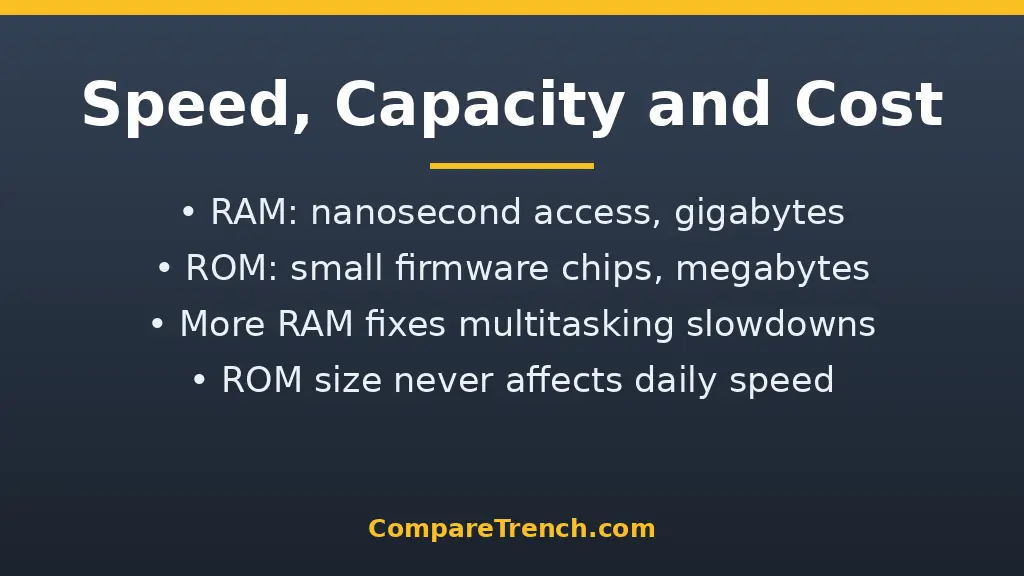
Speed: RAM access times are measured in nanoseconds — roughly 100,000 times faster than a hard drive. ROM is fast enough for firmware duties but is not optimized for the constant read/write churn of active computing.
Capacity: Because RAM holds everything in use, more is better for multitasking: 8 GB is a workable minimum today, 16 GB is comfortable, and 32 GB+ suits heavy creative or development work. ROM chips are tiny by comparison — a motherboard’s firmware chip might hold just 16–32 MB, because firmware is compact.
Cost: RAM is priced per gigabyte and is one of the most cost-effective upgrades you can make to a sluggish PC. ROM costs essentially nothing to the end user — it ships inside the device and is never bought separately.
Why More RAM Speeds Up Your Computer (and ROM Never Does)
When RAM fills up, the operating system starts paging data to the much slower drive (“swapping”), and everything stutters. Adding RAM gives the system more fast workspace, reducing or eliminating swapping — the single most noticeable upgrade for a slow computer. ROM capacity, by contrast, has zero effect on day-to-day speed: it only matters at boot time and for firmware features.
A practical rule: if your computer slows down with many apps open but is fine with one or two, you need more RAM. If it is slow even doing one simple thing, the bottleneck is likely the processor or an old hard drive, not memory.
Common Confusions Cleared Up
Getting these terms straight also helps you read spec sheets without being misled by marketing language:
- RAM vs storage: RAM is temporary working memory; storage (SSD/HDD) is where files live permanently. They are different components.
- “Phone ROM”: When a phone’s specs say “128 GB ROM,” marketers mean built-in flash storage, not classical read-only memory.
- Cache memory: The small, ultra-fast SRAM inside or next to the CPU — a third category, faster and smaller than RAM.
- Virtual memory: Drive space the OS uses as overflow “pretend RAM” — much slower than real RAM.

Which One Matters When You Buy a Device?
Pay attention to RAM when buying any computer or phone: it directly affects multitasking smoothness and how well the device ages. Check whether the RAM is upgradeable (many thin laptops solder it permanently) and aim for 16 GB on a computer you plan to keep for years.
Do not shop based on ROM — it is not a spec you choose. Firmware quality matters to engineers, but for buyers it is invisible. What you should compare instead is storage capacity (256 GB vs 512 GB SSD), which is the spec marketers confusingly label “ROM” on phones.
RAM and ROM in Smartphones
Phones follow the same principles with mobile-specific twists. A phone’s RAM (often 6–12 GB in current models) determines how many apps stay alive in the background without reloading — more RAM means less app refreshing when you switch between tasks, and smoother camera processing. Because phone RAM is soldered and never upgradeable, the amount you buy is the amount you keep for the device’s entire life, so choosing wisely at purchase matters more than on a desktop.
A phone’s “ROM” is where marketing language gets sloppy: spec sheets listing “128 GB ROM” actually mean 128 GB of flash storage — the non-volatile chips holding your OS, apps, photos, and files. True ROM in the classical sense still exists inside every phone too, in the form of the bootloader firmware that starts the device before the main OS loads. When phone reviewers talk about “ROMs” in the custom-firmware community (like custom Android ROMs), they mean replacement operating-system images flashed onto that storage — a hobbyist usage of the term, not the hardware definition.
The practical takeaway for phone buyers: treat the RAM figure as your performance budget and the “ROM”/storage figure as your space budget. Running out of either one hurts — but they hurt in completely different ways.

Frequently Asked Questions
Can ROM be changed or updated?
Classic ROM cannot, but modern firmware chips (EEPROM/flash) can be rewritten with special update utilities — that is how motherboard BIOS updates work. It is still not something programs or users modify in daily use.
Is RAM permanent memory?
No. RAM is temporary (volatile) memory — everything in it disappears when power is cut. Permanent storage is the job of your SSD, hard drive, or flash storage, which are separate components.
Why is RAM faster than ROM?
RAM is engineered for constant high-speed read/write access by the CPU, with direct high-bandwidth connections. ROM is optimized for reliably holding a small set of instructions, not for speed under churn.
How much RAM do I need in 2026?
For general use, 8 GB is the minimum and 16 GB is the sweet spot. Gamers, video editors, and developers benefit from 32 GB. More than that helps only specialized workloads like 3D rendering or running many virtual machines.
What happens if a computer has no ROM?
It could not boot. The CPU would power on with no instructions telling it how to initialize hardware or find the operating system. Every computing device needs some form of non-volatile firmware to start.
Memory is just one part of what makes devices fast — related comparisons include the difference between AI and machine learning and the difference between machine learning and deep learning for the software side, the difference between iOS and Android for the phones that contain this memory, and display tech like the difference between LCD and LED and the difference between OLED and UHD.
Conclusion
The difference between RAM and ROM is the difference between a workspace and an instruction manual. RAM is fast, temporary, rewritable working memory that powers everything you do — and vanishes when the power goes off. ROM is permanent, non-volatile memory holding the firmware that wakes your device up. When buying tech, invest your attention (and money) in RAM capacity and storage; ROM takes care of itself silently in the background of every device you own — from your laptop’s boot firmware to the bootloader inside your phone.