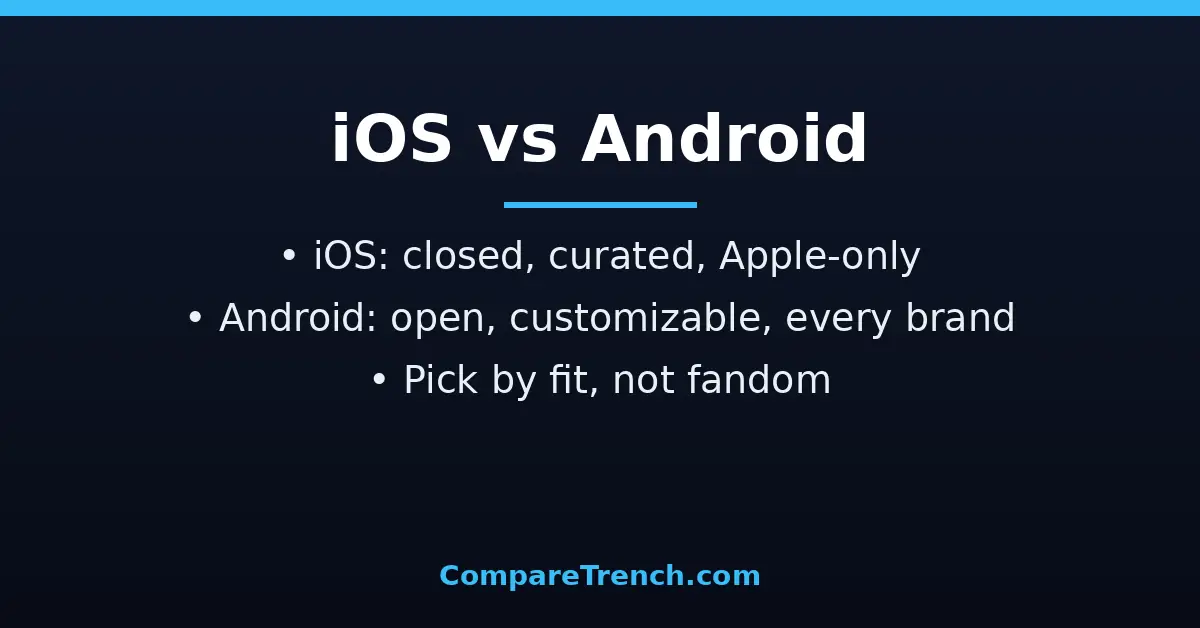
Quick Answer: iOS is Apple’s closed, tightly controlled mobile operating system that runs only on iPhones and iPads, prioritizing simplicity, privacy, and seamless integration with Apple devices. Android is Google’s open-source-based system that runs on phones from dozens of manufacturers, prioritizing customization, hardware choice, and flexibility. iOS offers consistency and faster updates; Android offers variety and control. Neither is objectively better; the right choice depends on your budget, your other devices, and how much you like to tinker.
| Feature | iOS | Android |
|---|---|---|
| Developer | Apple | Google (Open Handset Alliance) |
| Source model | Closed source | Open source (AOSP core) |
| Runs on | iPhone and iPad only | Samsung, Google Pixel, OnePlus, Xiaomi, Motorola, and more |
| Customization | Limited: widgets and lock screen options within Apple’s design | Extensive: launchers, themes, icon packs, default apps |
| App store | Apple App Store only (strict review) | Google Play plus third-party stores and sideloading |
| Software updates | Day-one updates for all supported devices, 5+ years typical | Varies by maker; Pixel fastest, others can lag months |
| Privacy approach | On-device processing, app tracking transparency, minimal data collection | Strong controls, but ad-based business model collects more data |
| Price range | Premium only (new iPhones start high) | $150 budget phones to $1,800 flagships |
| Ecosystem | Deep integration: Mac, iPad, Watch, AirPods, iMessage, AirDrop | Google services everywhere; works across brands and PCs |
| Default apps | Apple apps default (changeable since iOS 14, with limits) | Freely changeable defaults |
| File system access | Restricted, app-sandboxed | Open file manager, USB transfers, external storage |
What Is iOS?
iOS is the mobile operating system Apple builds exclusively for the iPhone (iPads run its sibling, iPadOS). It descends from macOS and the Darwin Unix core, but Apple keeps the source closed and controls every layer: the chips, the hardware design, the software, and the App Store. That vertical control is the defining fact about iOS.
The philosophy is consistency over configurability. Every iPhone runs the same interface, the same gestures, and the same core apps, so picking up any iPhone feels familiar. Apple polishes animations, enforces design guidelines on developers, and reviews every app before it reaches the store, which keeps quality high and malware rare.
iOS shines inside Apple’s ecosystem. iMessage, FaceTime, AirDrop, Handoff, and iCloud tie the iPhone to Macs, iPads, Apple Watches, and AirPods in ways that feel almost telepathic: copy on the phone, paste on the Mac; start an email on the iPad, finish it on the phone. If you already live in that world, iOS is the glue.
The trade-off is freedom. You cannot install apps from outside the App Store in most regions, and the home screen only recently gained real widgets. Apple decides what your phone can do, and for many users that curation is exactly the appeal.
What Is Android?
Android is Google’s mobile operating system, built on the Linux kernel with an open-source core (AOSP) that any manufacturer can adapt. Samsung, Google, OnePlus, Xiaomi, Motorola, and dozens of others ship Android phones, each adding its own hardware and software flavor. That openness is the defining fact about Android.
The philosophy is choice over uniformity. You can replace the launcher, install icon packs, set any default browser or messaging app, plug the phone into a PC and drag files around, or install apps from third-party stores and direct APK downloads. Power users can go further with custom ROMs, though that voids warranties and risks security.
Android is Google’s world: Gmail, Maps, Photos, Drive, and the Assistant/Gemini AI are deeply woven in, and they work identically on a $200 Motorola and a $1,200 Galaxy. Because Android runs on everything, it also runs everywhere economically: it powers the vast majority of the world’s smartphones, especially in price-sensitive markets.
The trade-off is fragmentation. Updates depend on your manufacturer and carrier, so a new Android version can take months to reach your phone, or never arrive on budget models. The open door that lets in customization also lets in malware if you install carelessly. Learn more about the platform straight from the source at android.com.
Ecosystem and Hardware Choice
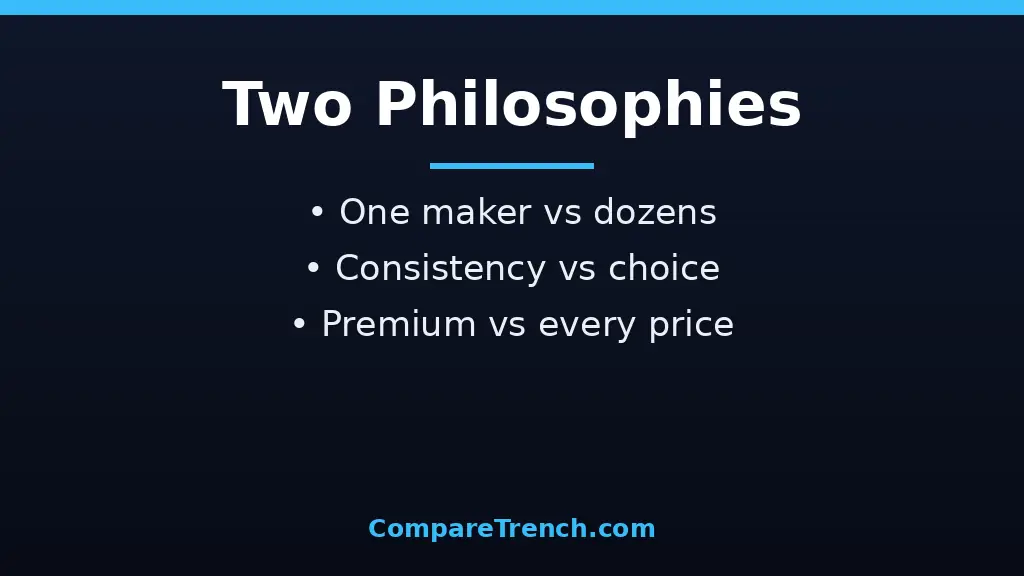
Hardware is where the two philosophies collide hardest. iOS gives you one maker and a short lineup: a few iPhone models each year, all premium-priced, all guaranteed to work identically. Choosing is simple because there is little to choose between.
Android gives you the entire market. Want a $180 phone with a huge battery, a folding phone, a stylus, or a camera-first flagship? Android has all of them, from brands competing on price and features. That competition drives innovation, foldables and periscope zooms arrived on Android years before Apple, but quality varies between a budget handset and a flagship.
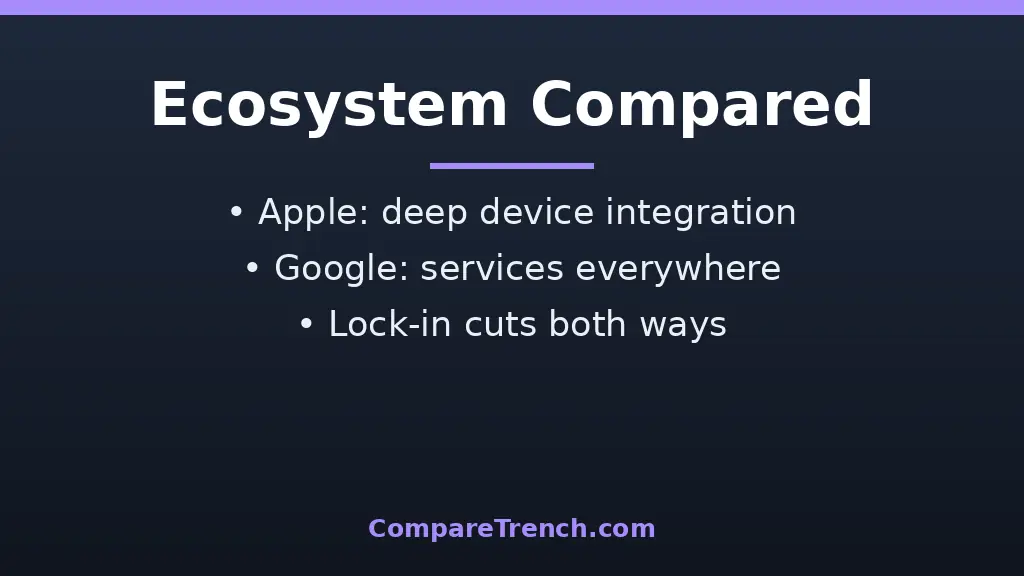
The ecosystem lock-in cuts both ways. Apple’s continuity features are unmatched with multiple Apple devices, but an iPhone pairs awkwardly with a Windows PC. Android plays nicer across brands and with Windows, so switching away from it costs less.
Displays illustrate the choice nicely. Both platforms’ flagships now use superb OLED panels, and if screen specs matter to you, our OLED vs UHD guide explains what those terms actually promise. On iOS you get Apple’s calibrated panel or nothing; on Android you choose your panel, your refresh rate, and your price.
Customization: Control vs Simplicity
Android is the tinkerer’s platform. Third-party launchers reshape the entire home screen, icon packs and themes restyle everything, widgets can be any size anywhere, and you can set Chrome, Firefox, or anything else as the default browser with two taps. The notification shade, quick settings, always-on display, and even the system font bend to your will.
iOS has loosened up: widgets arrived in 2020, lock screen customization in 2022, and EU regulations forced Apple to allow alternative app stores and browser engines in Europe. But the customization stays inside Apple’s frame. You arrange what Apple offers; you do not rebuild the system.
Privacy and Security
Apple has made privacy a selling point. App Tracking Transparency forces apps to ask before tracking you across other companies’ apps, on-device processing keeps Siri requests and photo analysis on the phone, and Apple’s ad business is small, so its incentive to harvest your data is weaker.
Google has strengthened Android’s privacy substantially: permission dashboards, approximate location sharing, and auto-resetting permissions for unused apps. But Google’s core business is advertising, and Android collects more telemetry by default, much of it tied to the Google account the system expects.
On malware, the closed model wins clearly. iOS’s App Store review and code signing make real-world iPhone malware vanishingly rare, while Android’s openness makes it the bigger target. Google Play Protect catches most threats, but careless installs remain the main risk. Keep either platform updated and install apps only from trusted sources.
Both companies now market on-device AI heavily, and the buzzwords deserve scrutiny. If terms like “AI predictions” confuse you, our inference vs prediction guide separates what models actually do from what marketing claims they do.
Updates and Longevity
iOS updates are the industry benchmark. When Apple releases a new version, every supported iPhone, typically the last five to six years of models, gets it the same day, directly from Apple, with no carrier interference. Security patches arrive promptly, and older phones stay viable far longer than their Android counterparts.
Android has improved but remains uneven. Google’s Pixel phones get day-one updates and seven years of support, and Samsung now promises up to seven years on flagships, but mid-range and budget phones from smaller brands may get one or two major updates, late, or none.
This matters for security more than features. An unpatched three-year-old budget Android is genuinely more exposed than a five-year-old iPhone still receiving updates. If you keep phones for years, favor iPhones or flagship Androids with long support pledges.
Apps, Stores, and Everyday Experience
Both stores offer millions of apps, and the top apps exist on both platforms. Differences show at the margins: iOS often gets new apps first because iPhone users spend more, and Apple’s strict review keeps scammy clones scarcer. Android’s Play Store is more lenient, which means more variety but also more junk to wade through, plus emulators, torrent clients, and system utilities Apple would never allow.
Sideloading is Android’s superpower and its risk. Installing apps from outside any store enables beta software, region-locked apps, and open-source tools, but it bypasses every safety check. iOS mostly forbids this (outside the EU’s mandated alternatives), which frustrates power users and delights everyone who has ever cleaned a relative’s malware-ridden phone.
Day to day, both systems are mature and fast, with excellent cameras, messaging, maps, and browsers. The differences that persist are philosophical: iOS decides the right way and polishes it; Android offers five ways and lets you pick. If you create content on your phone, you might also enjoy our author vs writer breakdown of a different kind of creative distinction.
Price: What Your Money Buys
iOS starts expensive and stays expensive. New iPhones begin at flagship prices, older models discount modestly, and there is no $200 iPhone. What you buy instead is longevity: a used or discounted iPhone from two years ago will receive updates for years and hold resale value better than almost any Android.
Android spans the entire price spectrum. A $200 Android handles calls, messaging, maps, and social media competently; a $600 one rivals flagships; an $1,100 foldable does things no iPhone can. But budget Androids cut corners on update support, cameras, and build quality, and their resale value collapses.
Total cost of ownership narrows the gap. An iPhone kept for five years with strong resale can cost less per year than a budget Android replaced every two. Conversely, if you lose or break phones regularly, cheap Androids are far less painful to replace.
Phones are also social devices, and the social layer differs: iMessage and FaceTime dominate some friend groups while WhatsApp and Telegram dominate others. Whatever your circle uses, the phone is where those connections live, which is one reason the difference between friendship and relationship now plays out so much in messaging apps.
Which One Should You Choose?
Choose iOS if you value simplicity, privacy, long update support, and tight integration with Macs, iPads, or Apple Watches; if you keep phones for many years; or if everyone you message uses iMessage. The premium price buys consistency and longevity.
Choose Android if you want hardware choice at every price, deep customization, open file management, or cutting-edge form factors like foldables; if you live in Google’s services; or if your budget sits below flagship territory. The variety is unmatched, but buy from makers with strong update pledges.
Switching is easier than it used to be. Both platforms offer transfer apps that move photos, contacts, and messages, and most subscriptions and cloud services work identically on both. The real switching costs are ecosystem accessories, purchased apps, and habits, not data.
There is no wrong answer, only a wrong fit. List your non-negotiables, budget, other devices, must-have apps, update expectations, and pick the platform that satisfies most of them. And if music is central to your phone life, from streaming to making it, you might enjoy comparing house vs techno, a reminder that the best device is the one serving what you actually do with it.
Frequently Asked Questions
Which is better, iOS or Android?
Neither is objectively better. iOS leads on update longevity, privacy defaults, and ecosystem integration; Android leads on customization, hardware variety, and price range. The “better” system is the one matching your budget, devices, and tolerance for tinkering.
Is Android safer than iPhone?
No. iPhones are generally safer against malware thanks to the closed App Store and code signing, while Android’s openness makes it a bigger target. Modern Android flagships with current updates are secure for normal use, but the average Android across all price tiers faces more real-world threats than the average iPhone.
Can I switch from iPhone to Android easily?
Yes. Google’s transfer tools move photos, contacts, messages, and many apps; WhatsApp chats transfer too. Expect friction with iMessage (deregister your number first), purchased iOS apps (repurchase on Android), and Apple Watch/AirPods feature loss. Most people feel settled within a week.
Why do iPhones cost more than Android phones?
Apple sells only premium hardware with high margins, while Android spans budget to luxury across competing makers. iPhones also retain value longer and receive updates for more years, which offsets the sticker price over time.
Do Android phones slow down faster than iPhones?
Flagship Androids age about as gracefully as iPhones these days. Budget Androids can feel slow sooner due to weaker chips and thinner software support. The bigger aging factor is updates: an iPhone supported for six years stays secure and current far longer than a budget Android abandoned after two.
Conclusion
The difference between iOS and Android is the difference between a curated garden and an open field. iOS offers one maker’s polished, private, long-supported vision of a phone; Android offers every maker’s varied, customizable, budget-spanning take on the same idea. Both run the apps that matter, take great photos, and handle daily life with ease.
Pick by fit, not by fandom: your budget, your other devices, your appetite for customization, and how long you keep a phone. Get those right, and either platform will serve you well for years.